Standardise Operations Across a Mixed Fleet

Different vehicle models and operating requirements do not mean inconsistent fleet processes.
One Fleet. Different Vehicles. Different Requirements

Managing a mixed fleet can become more complex when different vehicle types require different equipment, installation approaches and operating considerations. Without a structured approach, these differences can lead to inconsistent processes across the fleet.
‍
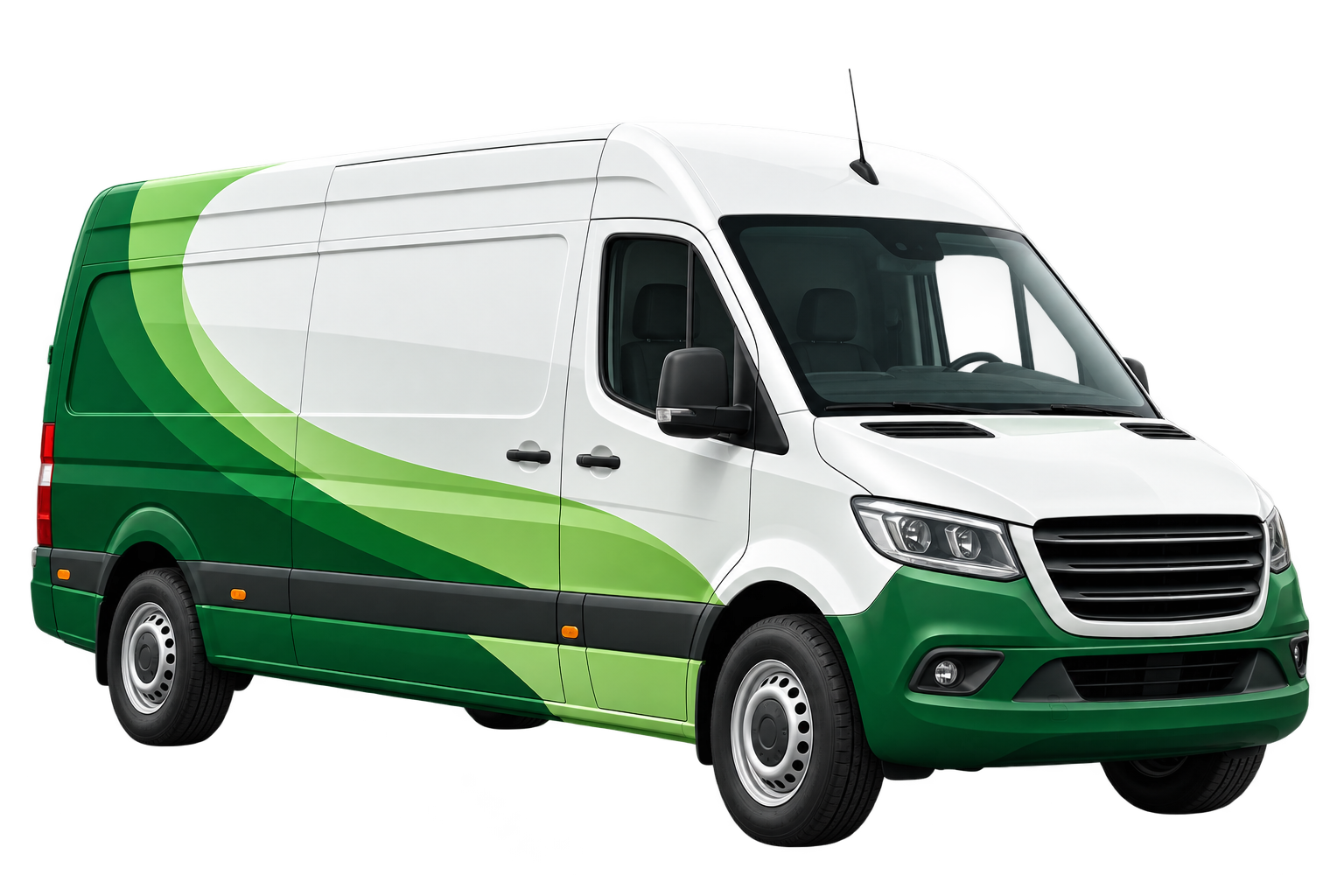
White delivery van with green gradient swoosh design on its side, viewed from front right angle.

Van

Different hardware requirements

↓

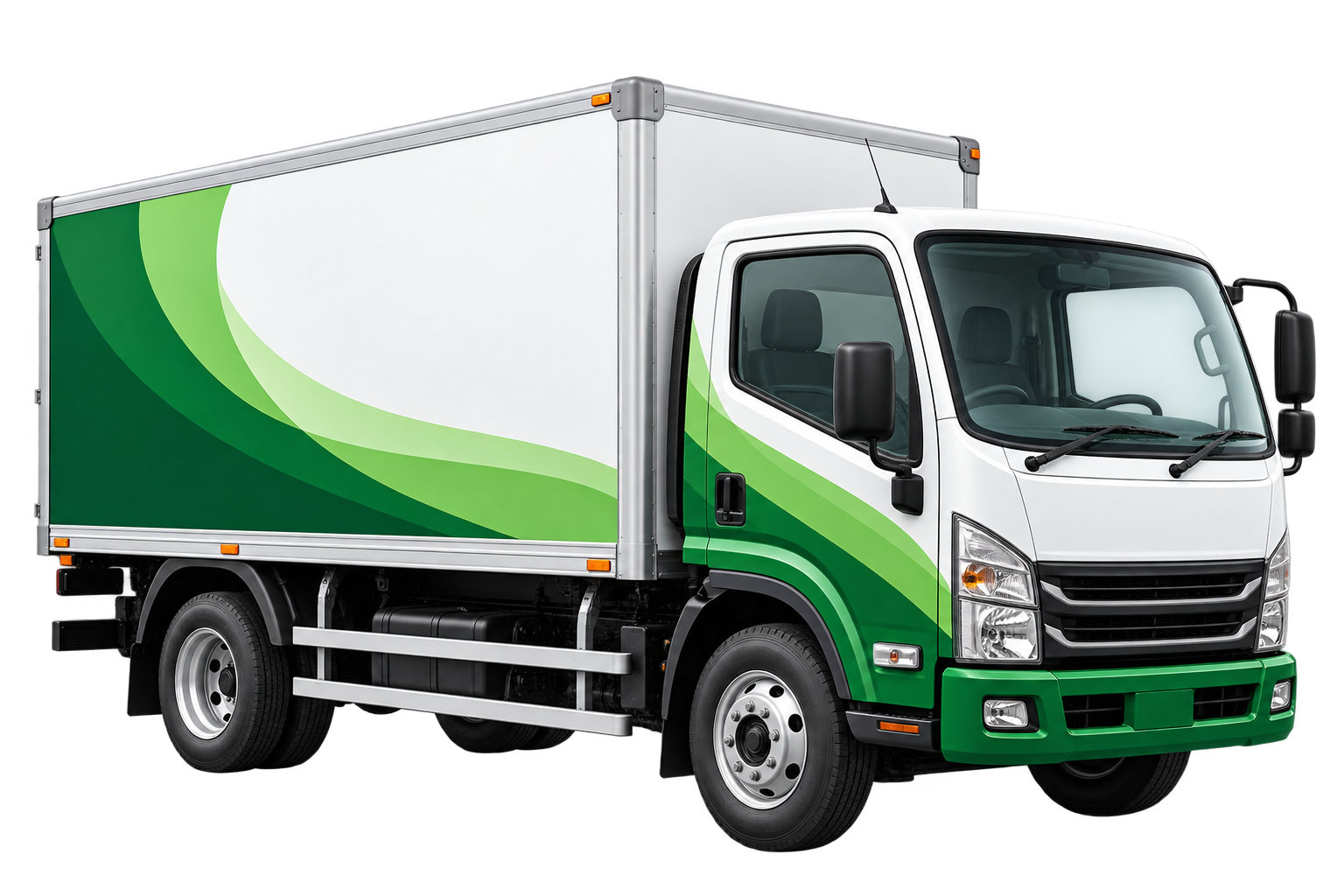
Medium-sized delivery truck with white and green body featuring green wave patterns on the cargo box and cab.

Light Truck

Different installation approach

↓

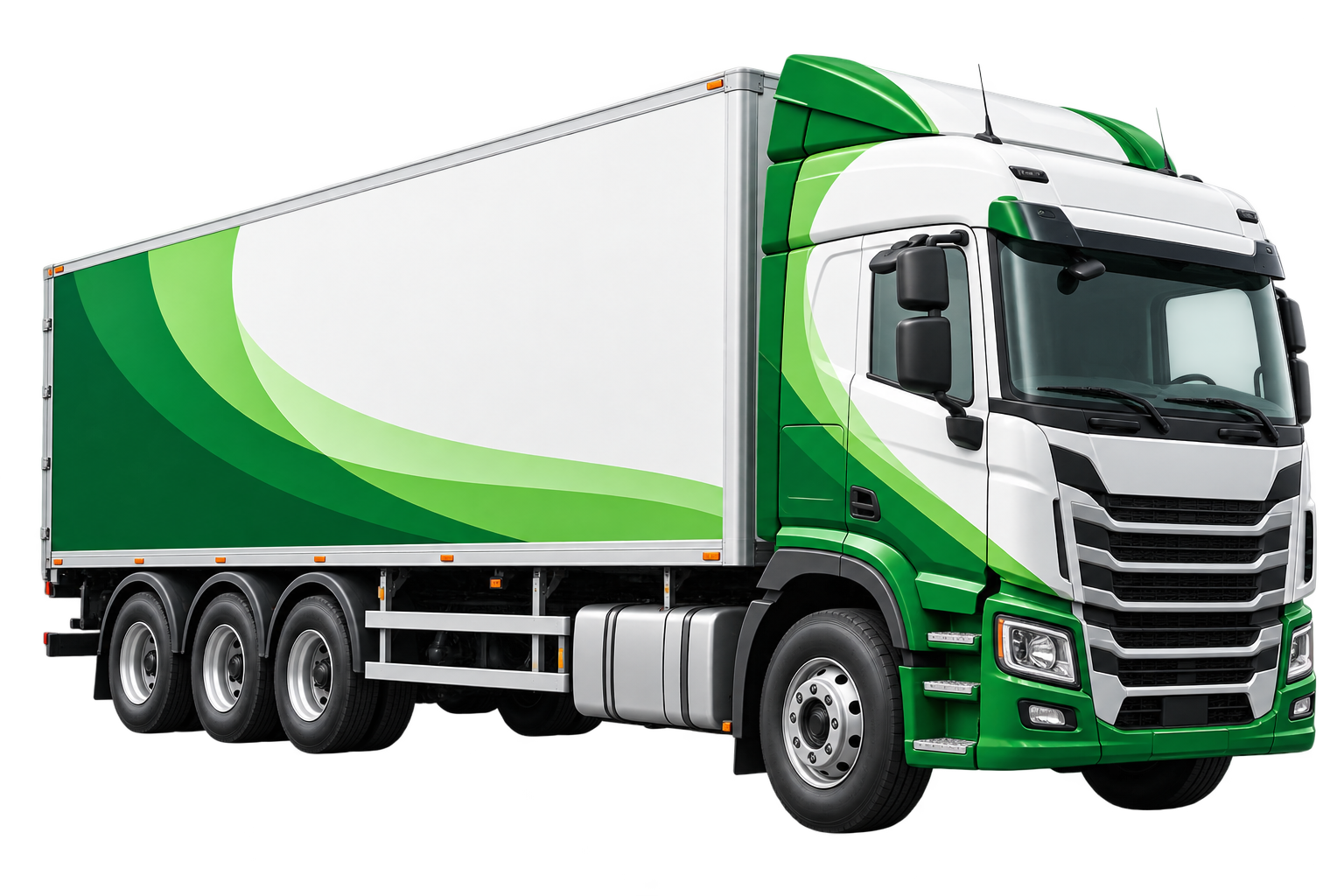
Modern semi-trailer truck with a white cargo container featuring green curved stripes and a green and white cab.

Heavy Truck

Different vehicle configuration

↓

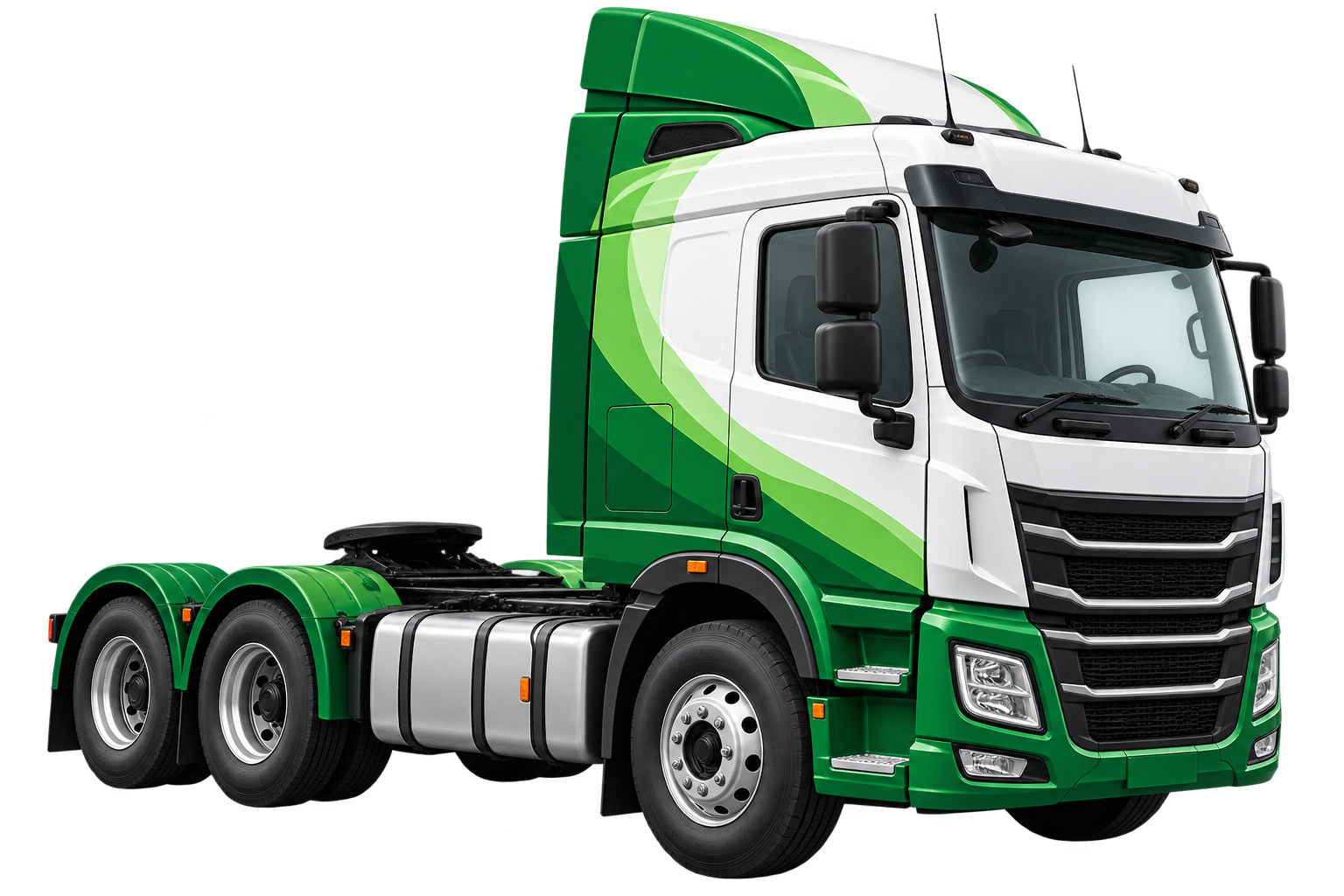
Modern green and white semi-truck cab with no trailer attached, viewed from the front-left side, showing detailed wheels, fuel tank, and aerodynamic design.

Prime Mover

Different operational requirements

↓

Inconsistent Fleet Processes

As fleet diversity increases, maintaining consistent installation, documentation, monitoring, and support processes can become more difficult.
‍

Standardisation ≠ One Size Fits All

A standardised fleet approch doesn't require every vehicle to be idential. Different vehicle types may require different technical configurations. The goal is to create a consistent process for assessing, implementing, verifying, and supporting each vehicle, while accounting for its individual requirements.
‍

VEHICLE-SPECIFIC NEEDS

🚙 Vehicle Type

Makes, models, and roles

⚙️ Vehicle Configuration

Technical Requirements

🔧 Installation Approach

Appropriate vehicle method

📋 Operational Requirements

Fleet-specific considerations

STANDARDISE
➔

STANDARDISED FLEET PROCESS

01 ASSESS

Understand the Vehicle

02 CONFIGURE

Determine the approach

03 VERIFY

Confirm the outcome

04 DOCUMENT

Maintain clear records

05 SUPPORT

Ongoing fleet support

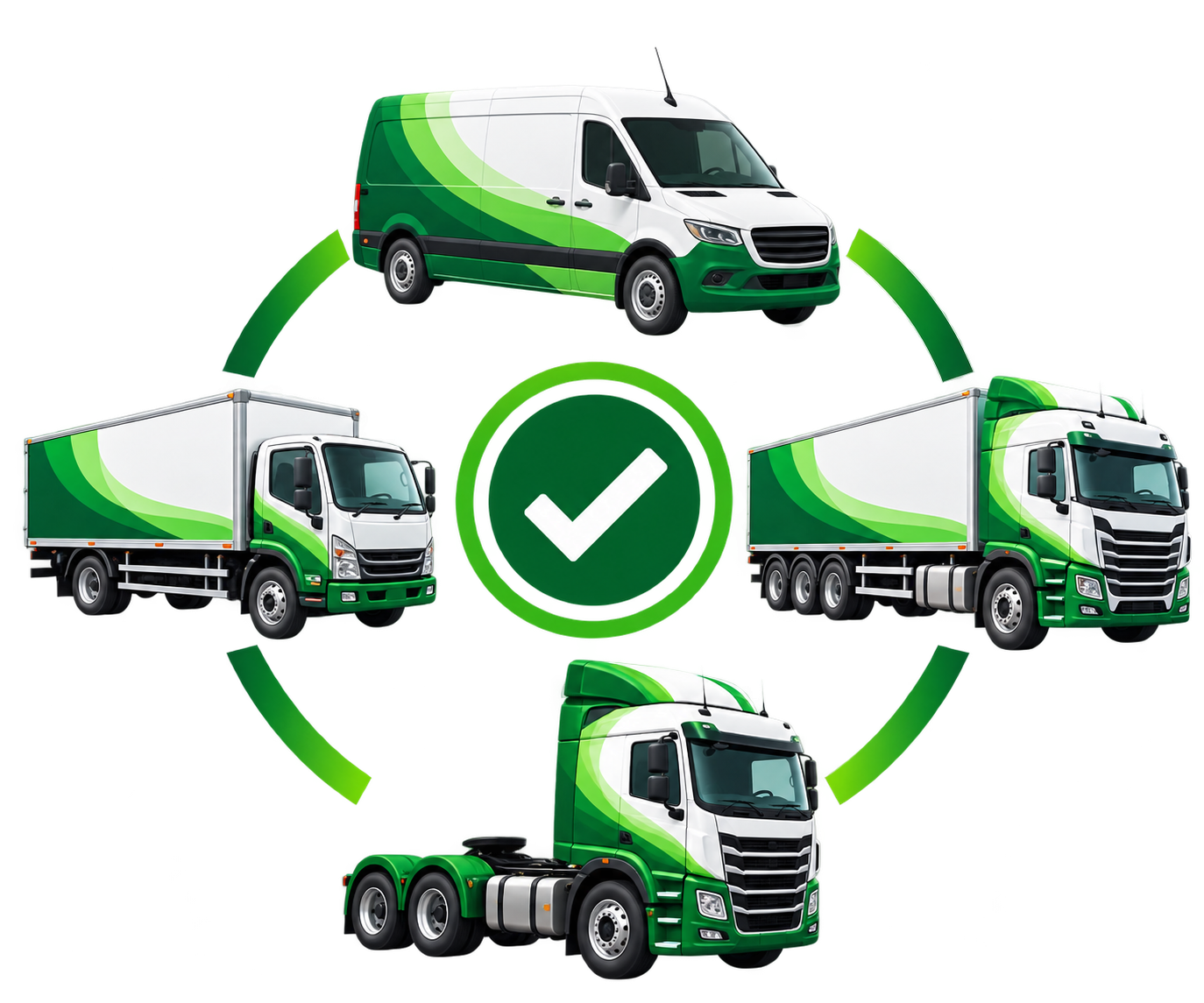
Circular arrangement of green and white delivery vehicles around a green checkmark symbol, including a cargo van, two box trucks, and a semi-truck tractor without a trailer, connected by green curved arrows.

Different Vehicles. Consistent Standards.

A structured fleet-wide aproach can provide greater consistency while retaining flexibility for different vehicles.
One Partner Across Your Fleet

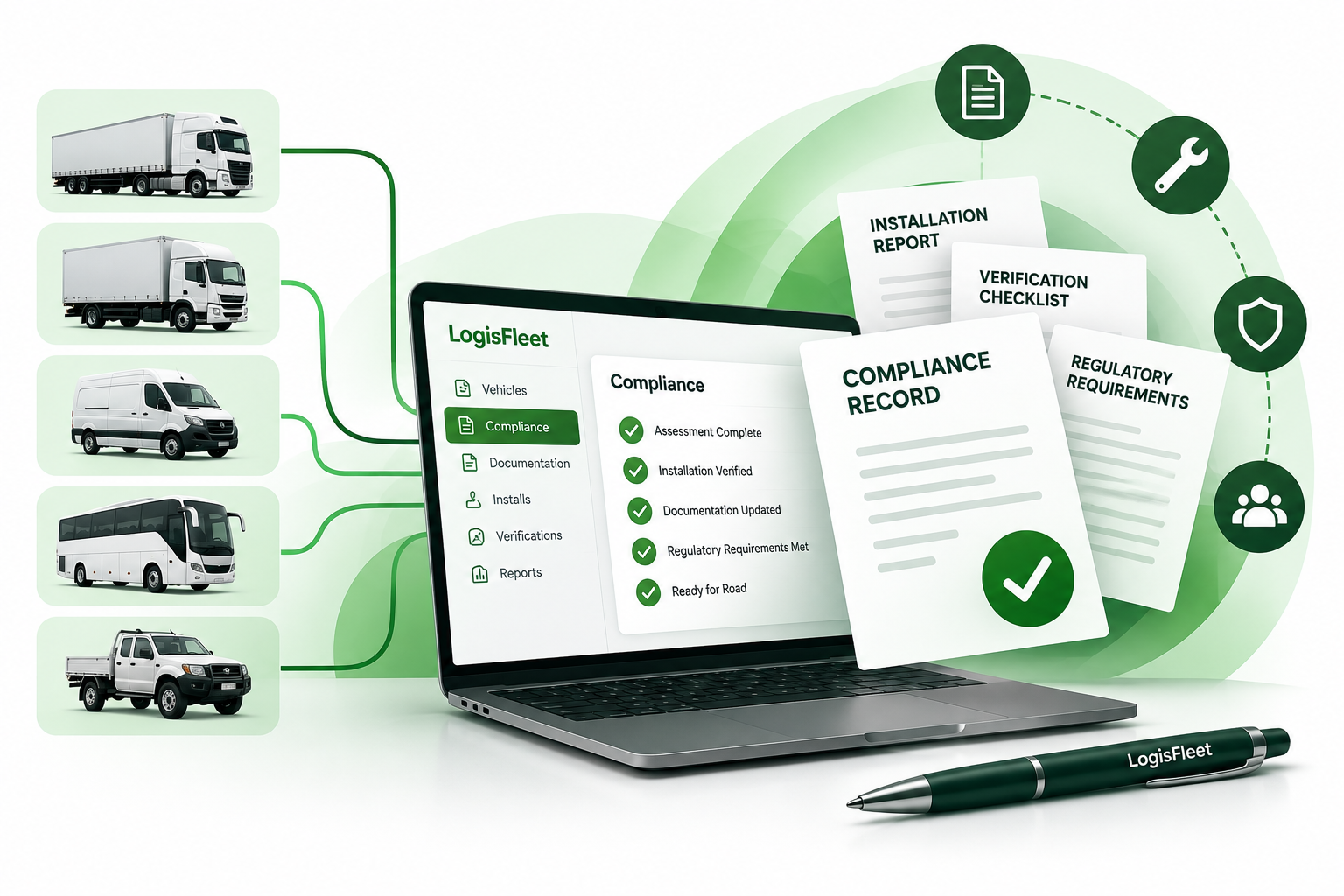
Bring different vehicle requirements into a more coordinated fleet approach. LogisFleet's compliance, safety, and fleet management solutions can support greater consistency across different vehicle types while allowing for vehicle-specific requirements.
Laptop displaying the LogisFleet compliance dashboard with a list of statuses: Assessment Complete, Installation Verified, Documentation Updated, Regulatory Requirements Met, and Ready for Road. To the left, images of five vehicle types—a large truck, box truck, delivery van, bus, and pickup truck—connect to the laptop with green lines. To the right, floating documents labeled Compliance Record, Installation Report, Verification Checklist, and Regulatory Requirements are shown with icons representing documents, tools, shield safety, and team. A black and green LogisFleet pen is in the foreground.

Standardise Compliance Processes

Coordinate vehicle assessment, installation, verification and supporting documentation while accounting for different vehicle requirements.

Explore Speed Limiter Compliance →

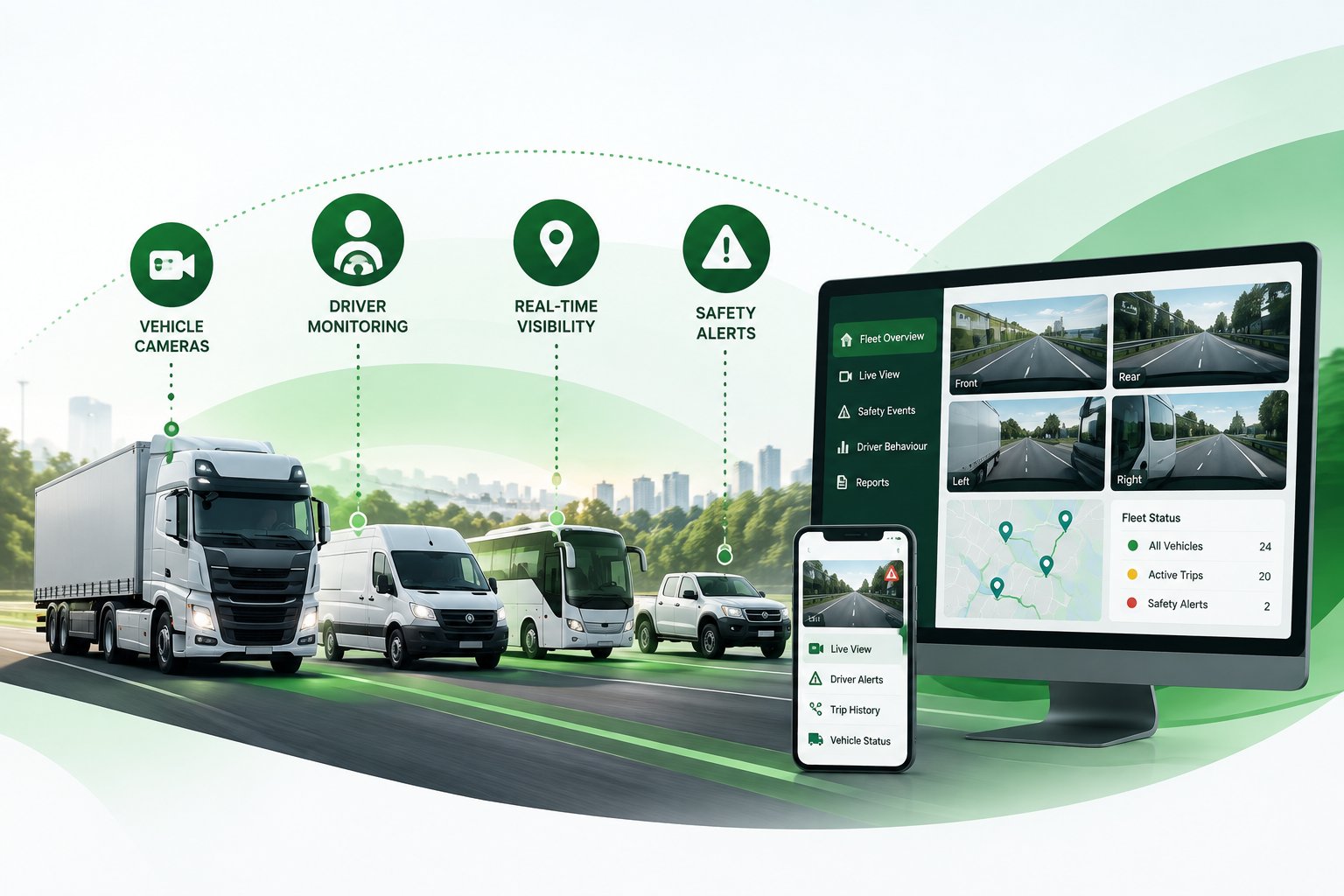
Build Consistent Safety & Visibility

Extend fleet safety processes with driver monitoring and vehicle camera systems that provide additional visibility into driver behaviour and vehicle operations.

Explore Driver Safety Monitoring (DSM) →
Explore 360° AVM & Vehicle Cameras →
Fleet management system showing four commercial vehicles—a truck, van, bus, and pickup truck—on a road with icons above indicating vehicle cameras, driver monitoring, real-time visibility, and safety alerts, alongside a computer screen displaying live camera views from front, rear, left, and right perspectives, a map with fleet locations, and fleet status counts, plus a smartphone screen showing live view, driver alerts, trip history, and vehicle status.
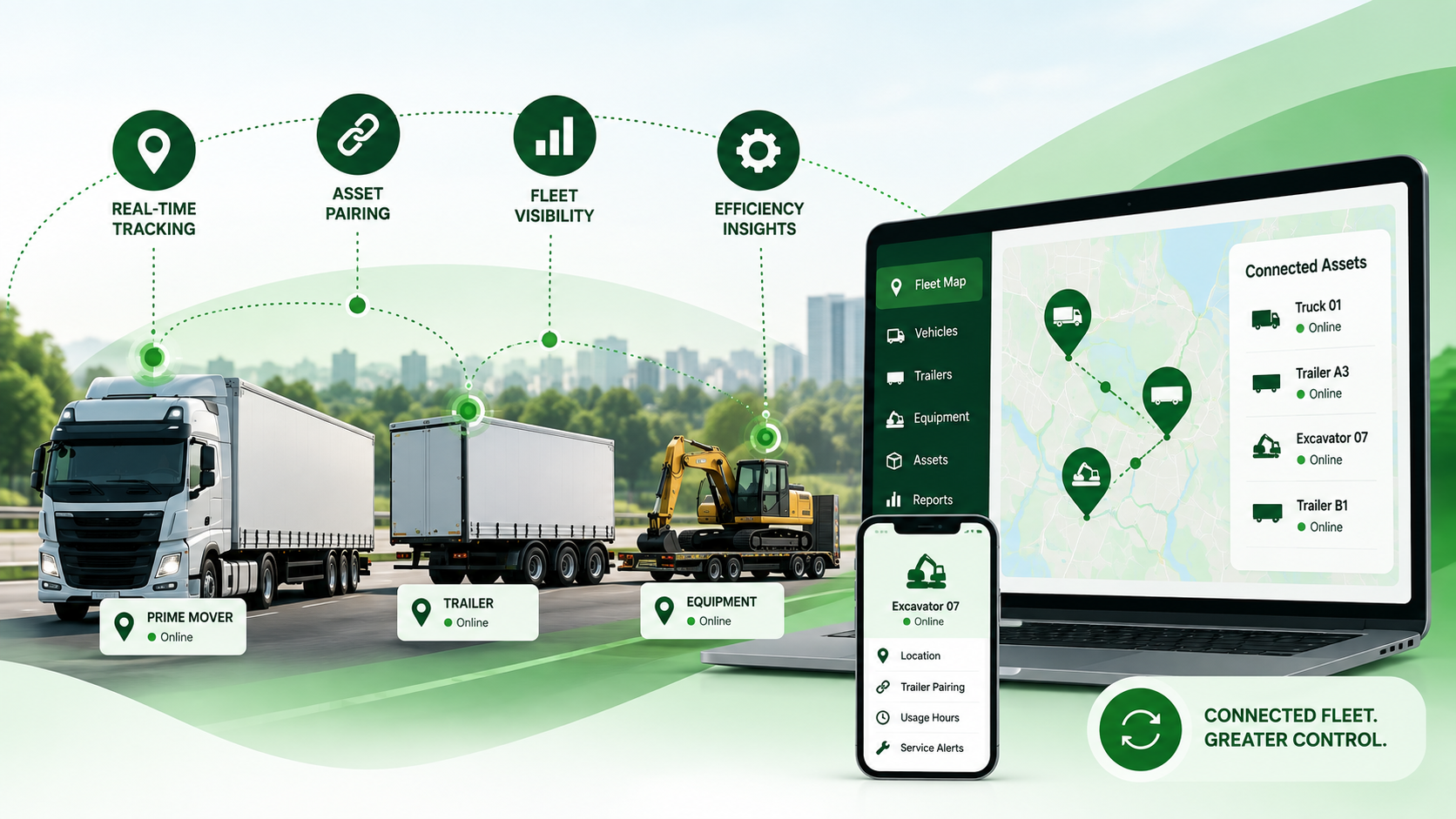
Illustration of a fleet management system showing a prime mover truck, a trailer, and construction equipment with status tags marked 'Online.' Icons represent real-time tracking, asset pairing, fleet visibility, and efficiency insights connecting these assets. A laptop screen displays a fleet map with locations of truck, trailers, and excavator, along with a list of connected assets online. A smartphone screen shows details of an excavator with options for location, trailer pairing, usage hours, and service alerts. Text at the bottom reads 'Connected fleet. Greater control.'

Improve Visibility Across Connected Assets

Create greater operational visibility where vehicles, prime movers, and trailers move between different assignments.

Explore Trailer Tracking & Pairing →

Build a Repeatable Fleet Standard

Create a consistent framework for managing different vehicles while allowing for vehicle-specific requirements. A repeatable process can improve consistency, visibility, and control across a mixed fleet.
Green circular icon featuring a clipboard with a truck illustration, a checklist with three checkmarks, and a magnifying glass overlay.

01 - Assess Each Vehicle

Review relevant vehicle details and operating requirements before implementation. This helps determine the appropriate solution or installation approach rather than applying the same configuration across different vehicle types.
Icon showing a truck inside a large gear connected by lines to three smaller circles containing a wrench, a list, and a smaller gear, representing truck maintenance and management.

02 - Configure the Right Approach

Apply the appropriate system and configuration based on the individual vehicle while following a consistent implementation process across the wider fleet.
Green-themed icon showing a delivery truck in front of a clipboard with checklist and a large checkmark symbol, representing completed delivery or logistics tasks.

03 - Verify the Outcome

Confirm that the installed system is operating as intended and maintain relevant verification information where required.
Green circular icon featuring a checklist with four check marks connected to four types of vehicles: a small van, a medium truck, a large semi-truck, and a bus, alongside a stack of files with a large check mark, symbolizing vehicle inspection or fleet management.

04 - Standardise Documentation

Use a consistent record structure across vehicles so fleet managers can more easily identify what was installed, configured or verified for each asset.
Green circular icon showing a logistics operator with a headset surrounded by circular arrows connecting a wrench symbol on the left and a clock symbol on the right, above five types of vehicles including a van, two trucks, a semi-trailer, and a bus.

05 - Maintain Ongoing Support

Use a structured support process when vehicles require troubleshooting, configuration review, maintenance or follow-up.

View LogisFleet's Support & Warranty →

Consistency Without Losing Flexibility

A standardised approach can make a mixed fleet easier to manage without requiring every vehicle to operate in exactly the same way. Consistent processes, clearer records and structured support can provide greater control while allowing for vehicle-specific requirements.
Green folder with multiple documents inside and a green circle with a checkmark symbolizing approved or verified files.

Clearer Fleet Records

Maintain a more consistent record structure so information can be associated with the correct vehicle and retrieved more easily.

────●
Icon of a checklist document with three checked items and a gear symbol in front, surrounded by a circular arrow representing continuous process or workflow.

Consistent Processes

Establish repeatable approaches to assessment, implementation, verification, and follow-up across different vehicle types.

│
●
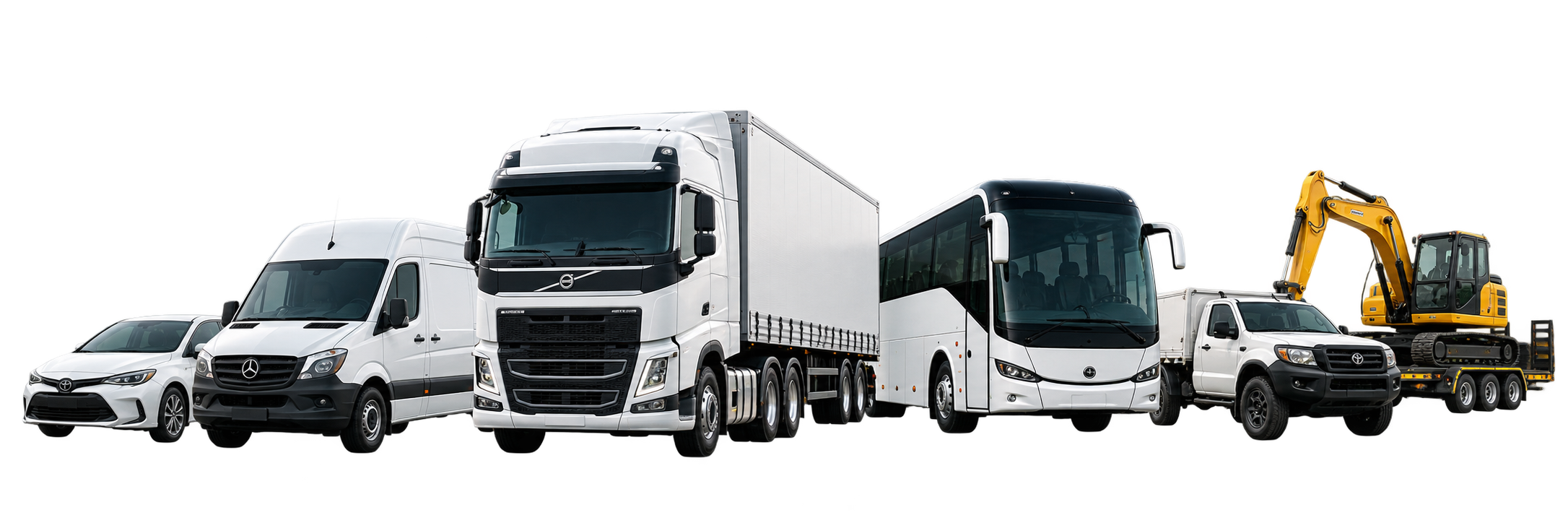
Lineup of vehicles including a white sedan, a white Mercedes van, a large white Volvo semi-truck, a white coach bus, a white pickup truck towing a trailer with a yellow excavator.
STANDARDISED

MIXED FLEET

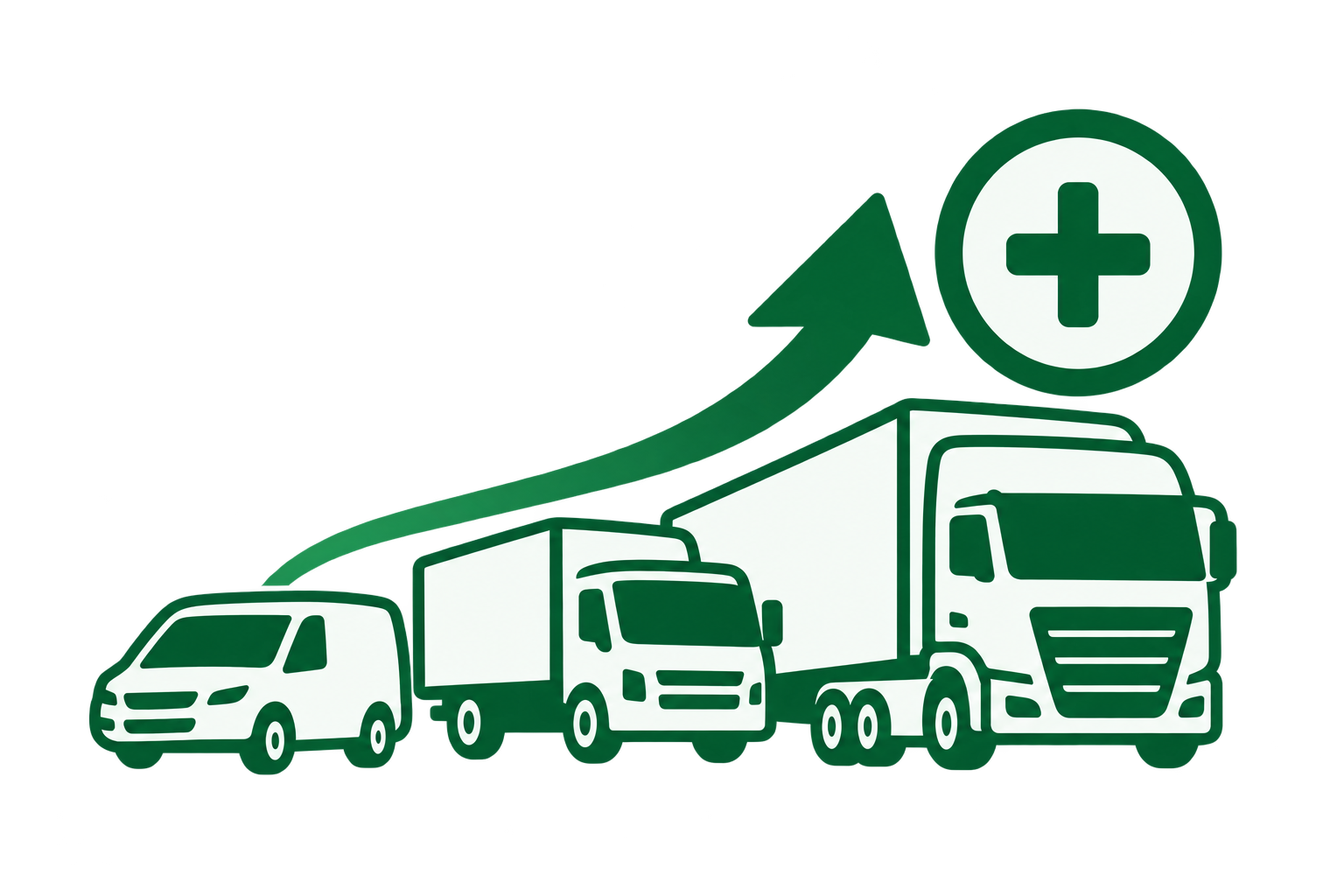
Graphic showing three delivery vehicles of increasing size from left to right—a van, a medium truck, and a large tractor-trailer—with an upward arrow above them pointing to a circle containing a plus sign, symbolizing growth or increase in logistics or delivery capacity.

Easier Fleet Expansion

A repeatable framework can make it easier to incorporate additional vehicles into existing fleet processes as operations grow or change.

●────

●
│

Green headset with microphone encircling a white gear symbol overlaid with a green wrench, representing technical support or customer service.

Simpler Ongoing Support

A structured support approach can make it easier to identify the relevant vehicle, configuration and system when follow-up is required.


Bring Greater Consistency to Your Mixed Fleet

FAQ - Mixed Fleet Standardisation

What is a mixed commercial fleet?

A mixed fleet contains different vehicles types, makes, models, or configurations operating within the same business. This may include vans, trucks, prime movers, trailers, and other commercial vehicles.

Does fleet standardisation mean every vehicle uses the same configuration?

No. Standardisation can mean using consistent processes for assessment, implementation, verification, documentation and support while allowing the technical approach to vary according to the individual vehicle.

Can LogisFleet support different vehicle makes and models?

Mixed vehicle types can be supported through individual vehicle assessment. For speed-limiter applications, suitability and installation approach depend on factors including vehicle model, year, pedal type, and available vehicle signals.

Why is standardised documentation useful?

For speed-limiter compliance, fleets can implement progressively to manage cost and downtime. The appropriate rollout for other systems would depend on the fleet and solution involved.

What happens when new vehicles are added?

Follow ups may involve checking the installation, re-verifying configuration or updating supporting records. LogisFleet's existing support offering includes guidance around re-verification and documentation requests.